
How to get and use your Crypto.com pre-paid cryptocurrency Visa credit card?
So, you've got some cryptocurrency, but you soon find out that not many shops actually accept them for payment. Here comes the super cool metal crypto.com pre-paid credit Visa credit. Just load it up with some crypto and you are good to go.
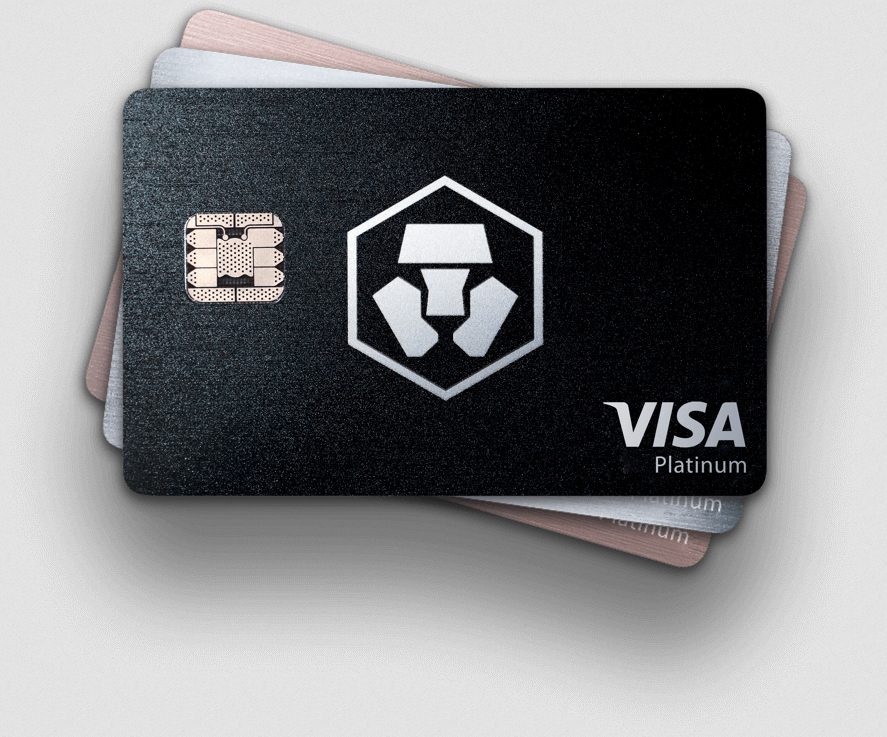
How do you get a card?
Easy, just sign up here: https://platinum.crypto.com/r/439kvzcw1v
Using this link will give you and me $50 worth of MCO tokens. It's a win-win.
Is it safe?
Crypto.com started off under the brand name of Monaco back in 2016. Hence their token name of MCO. They successfully raised US$26.7 from an ICO in Spring 2017, and have built a strong and commited team. The CEO is Kris Marszalek, and based in Hong Kong.
We believe they are playing the long game and are here to stay. They've got my trust.
What are the benefits?
Apart from the US$50 sign up bonus from using my link above, and super cool metal card. You can also get free Netflix, Spotify and Unlimited Airport Lounge Access. But the best thing is the cashback, up to 5%.
All you have to do is buy some MCO and lock them for 6 months in the app. After 6 months you can unlock them if you so wish, but you will lose some of the benefits, so its best to keep the MCO locked.
Personally I have the Royal Indigo 500 MCO card, which gives me 3% cashback, free Spotify, free Netflix and free airport lounge access.
| MCO Stake | 50,000 MCO | 5,000 MCO | 500 MCO | 50 MCO | FREE |
|---|---|---|---|---|---|
MCO Rewards on ALL card spending
|
5% |
4% |
3% |
2% |
1% |
 |
100% |
100% |
100% |
100% |
- |
 |
100% |
100% |
100% |
- |
- |
 |
100% |
100% |
- |
- |
- |
 |
10% |
10% |
- |
- |
- |
Exclusive Merchandise Welcome Pack
|
 |
|
- |
- |
- |
Earn Bonus Interest
|
|
|
- |
- |
- |
|
|
- |
- |
- |
|
 |
10% |
- |
- |
- |
- |
Private Jet Partnership
|
|
- |
- |
- |
- |

Airport Lounge Access
|
+ 1 Guest |
+ 1 Guest |
|
- |
- |
Composite Metal |
|
|
|
|
- |
Is it AVAILABLE IN MY COUNTRY?
It's available in the US, UK, EU and many Asian countries such as Singapore, Hong Kong and Australia.
Lets take a look at CRYPTO.com APP
Once you have signed up, downloaded and installed the app, you will get to this screen.
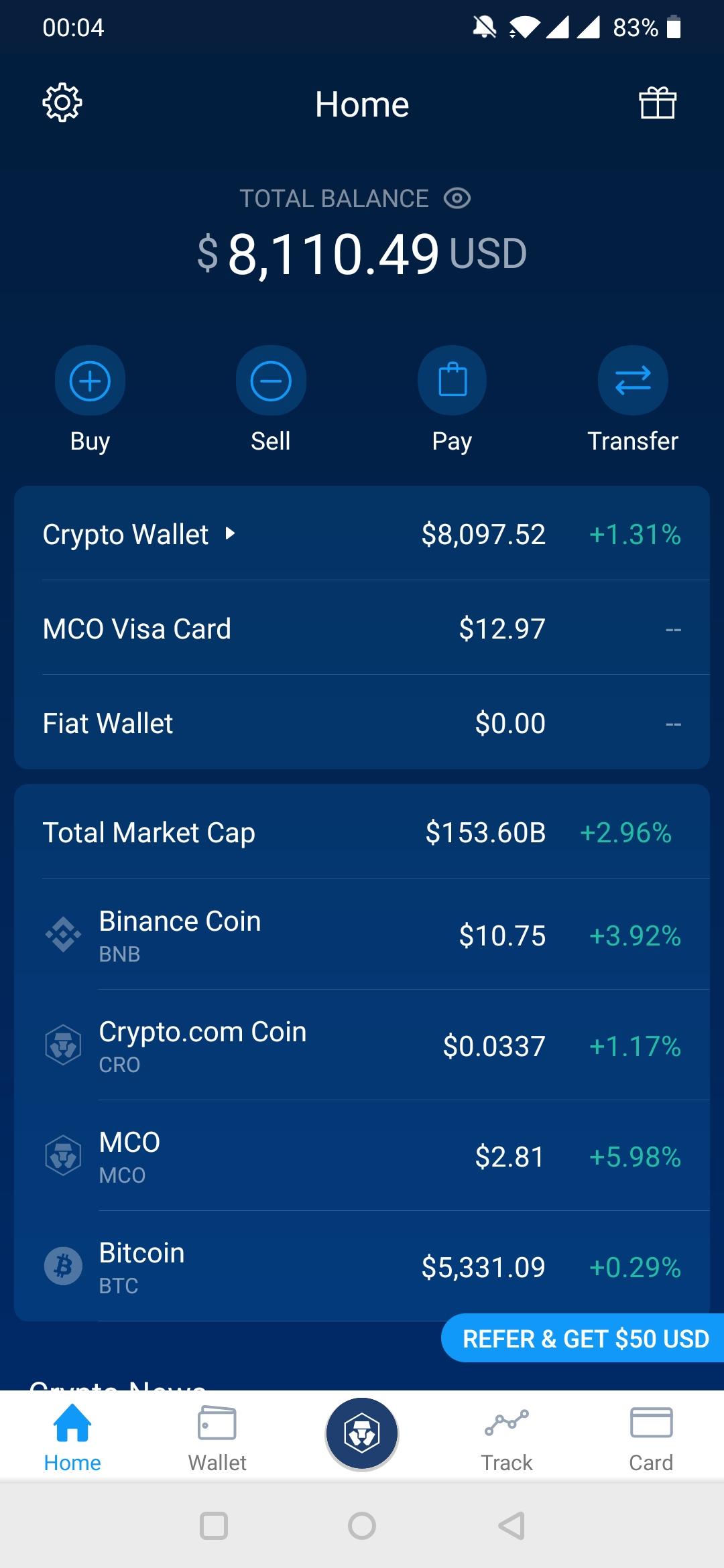
From here you can easily acces each of the main sections in the bottom menu.
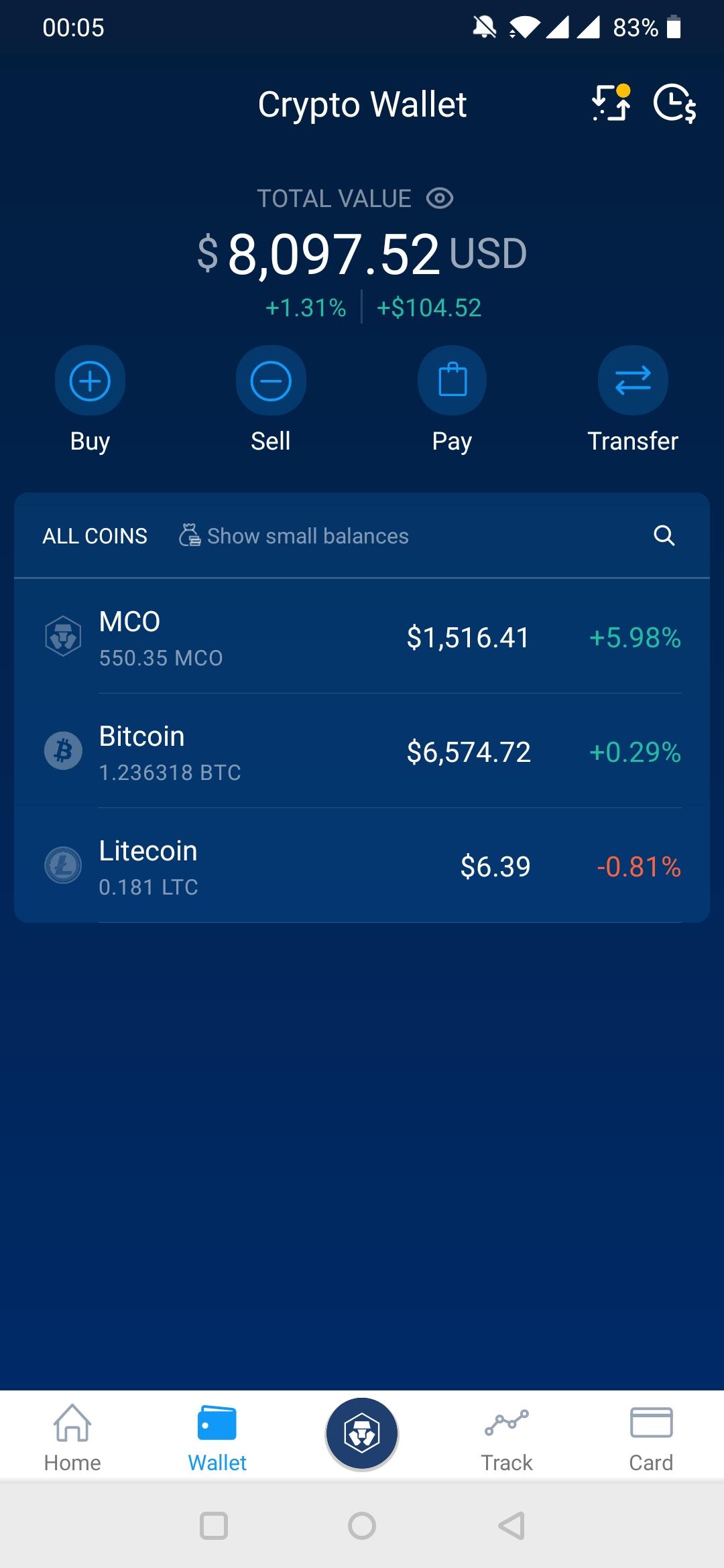
Crypto Wallet
Firstly, we have our crypto currency wallet, this is where you can deposit crypto and view your balance. .
Features
This screen is where you can access all the different Cryptocom features. Unfortunately I am missing some, such Earn, as it's not available in Hong Kong.

Track
This screen is where you can see the prices of nearly all crypto-currencies. I rarely use this to be honest.

Card Wallet
This screen is where you can view your credit card balance and transations. As you can see, my card is issued from Singapore so is in SGD base currency. This means I top up by selling some Bitcoin into SGD, then I can exchange this SGD into any other currency I need.
Now, you are probably thinking, that I am paying foreign exchange fees unnecesarily? Well not quite, because Crypto.com uses very good rates, and I get 3% cashback anyway, when I spend that money.
You can also see a list of all your transactions.

Card Details
This screen is where you can see your card details, freeze it, or change your pin code.

Card Top Up
This screen is where you can top up your card by selling cryptocurrency, or by using another credit card. I find that rates are off by about 0.4%. I guess this is a 'hidden' fee, but is still way smaller than the 3% cashback.

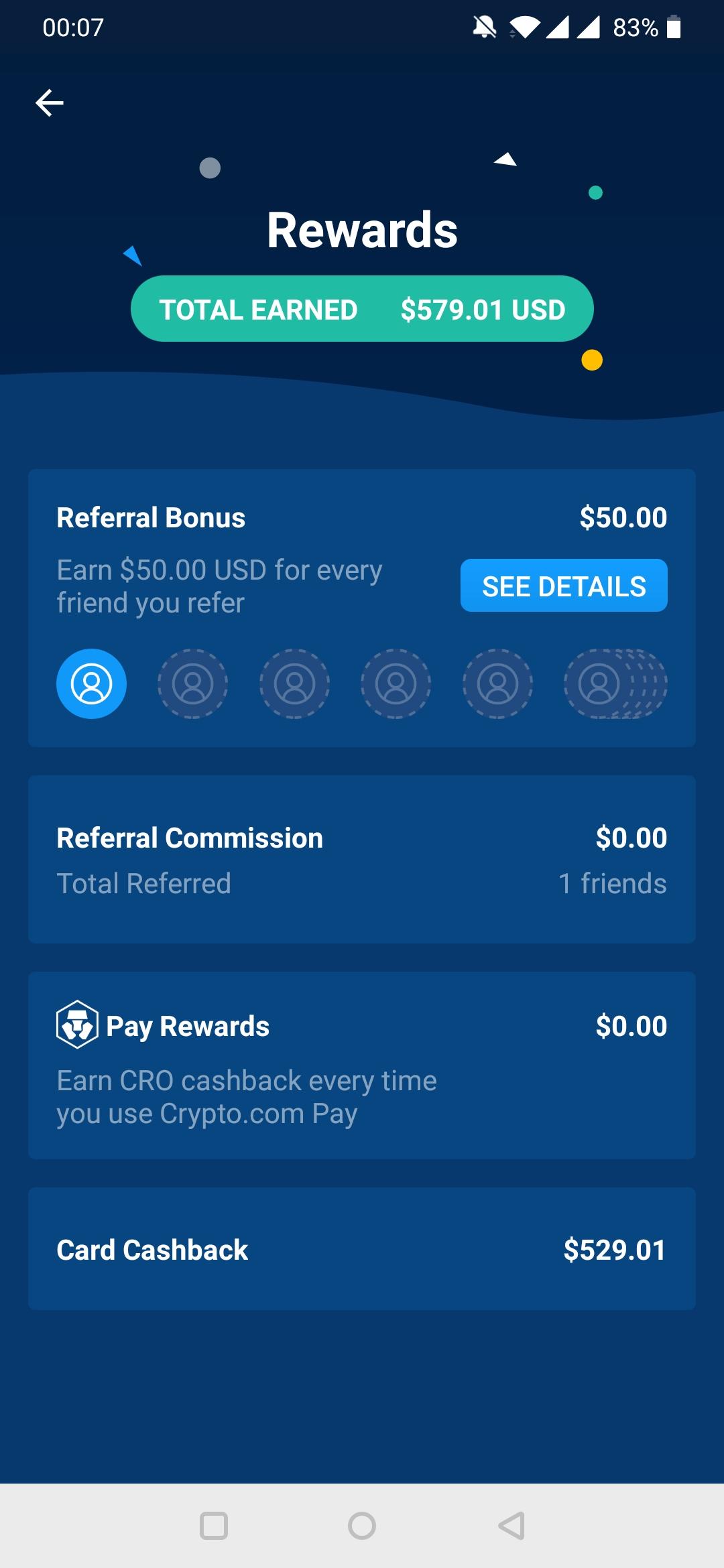
Rewards
This screen is where you see how much USD you have received in cashback and rebates, or from referrals.
Summary
Spending your hard earned crypto has never been easier. I love using my Royal Indigo metal card. People are always impressed with how much it weighs. The perks and cashback are great. I would highly recommend you get hold of one.Sign up to Crypto.com using this referral link & get started with US$50 here: https://platinum.crypto.com/r/439kvzcw1v
Hope you found this step by step guide useful, please feel free to sign up to Crypto.com or use any of our other referral links found across our website.